Apple Pencil Comparison (2026): Pro vs USB-C vs 2nd Gen vs 1st Gen – Which to Buy
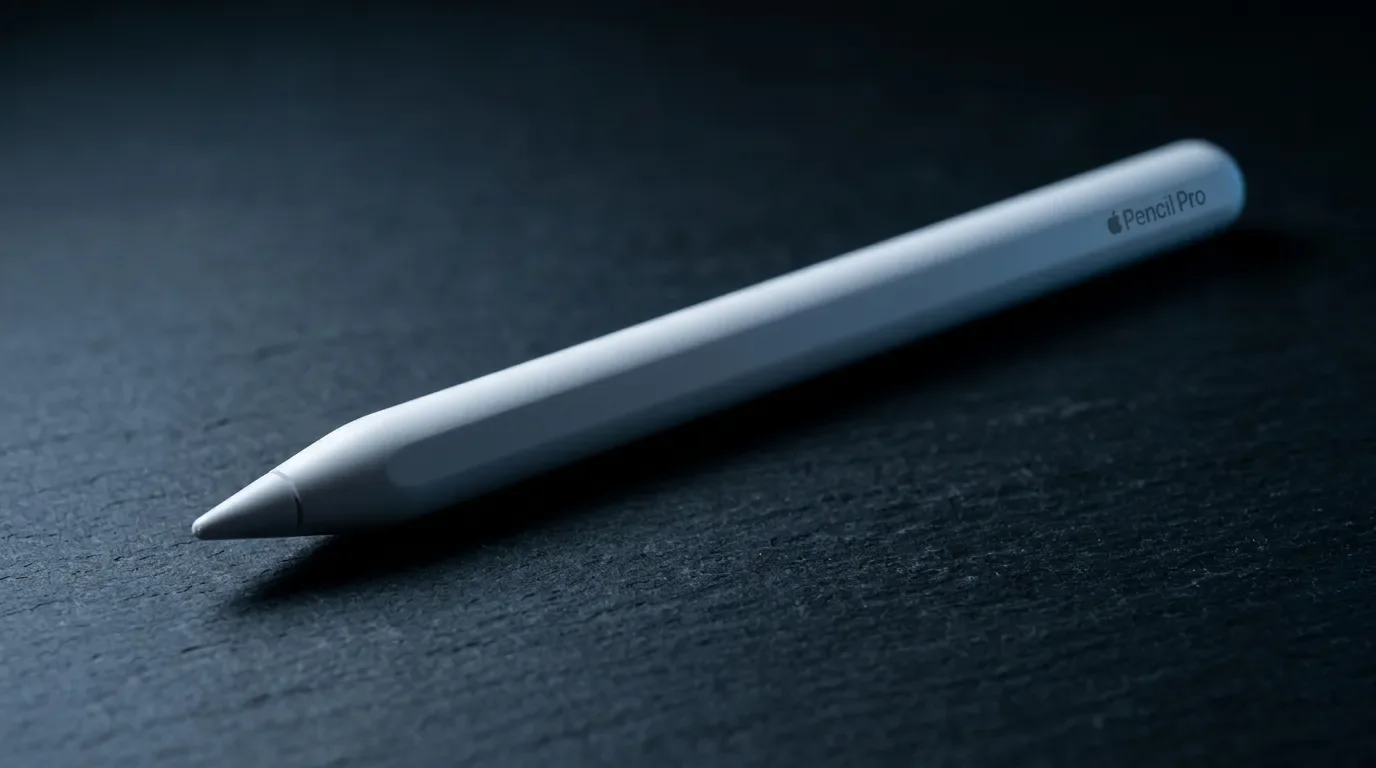
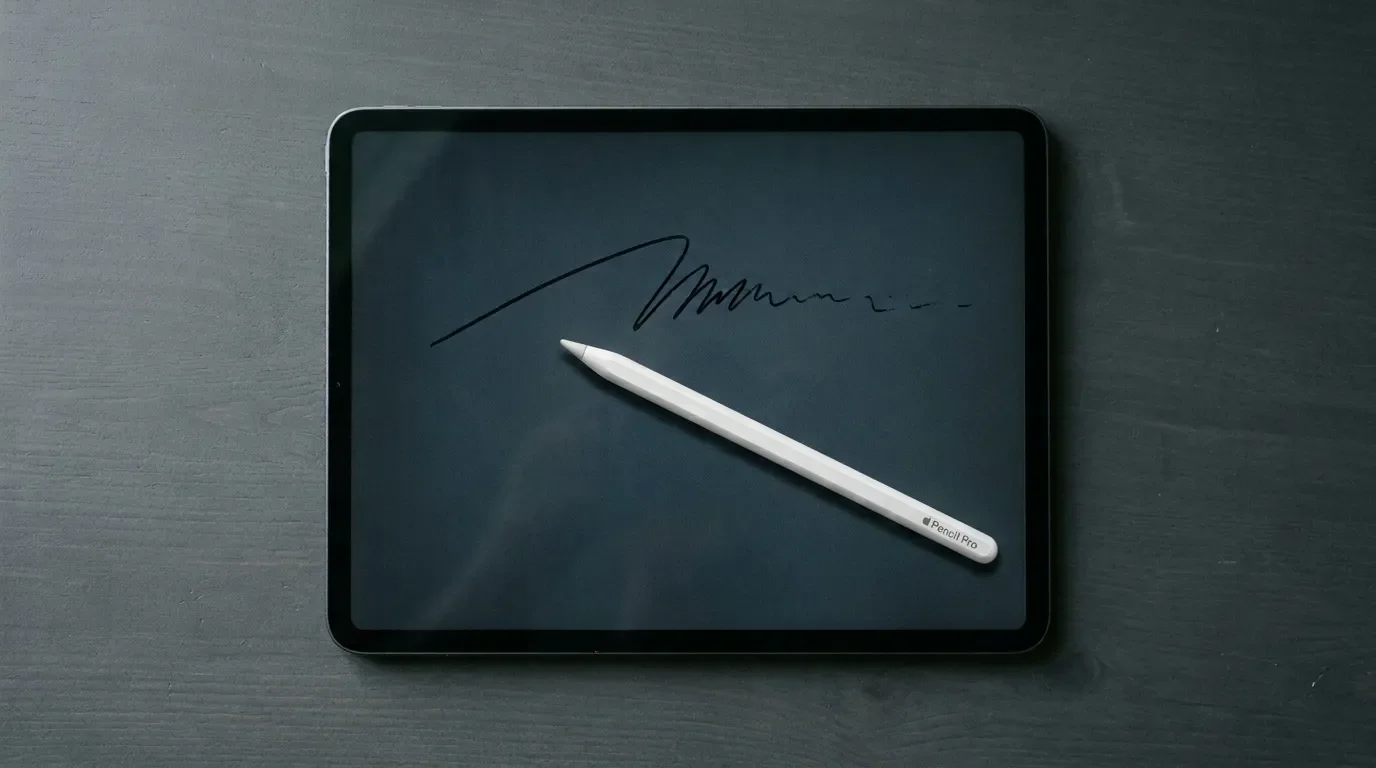
Apple currently sells four different Apple Pencils. They look nearly identical, they are all white sticks with the same name on them, and not a single one works with every iPad. I spend part of my week behind the counter of a tech store, and buying the wrong Pencil is one of the most common mistakes I watch people make – usually with total confidence, right up until the return counter.
So here is the full comparison: every model, every matchup, and an honest answer to the only question that matters – which one should you actually buy?
Quick Answer: Which Apple Pencil Should You Buy?
Best for note-takers / best value
The one most buyers should get: it nails writing, markup, and everyday sketching for the lowest official price. Buy it if you mostly take notes or want the cheapest genuine Pencil for a current iPad. Skip it if you draw and need pressure sensitivity.
View on Amazon →Best for drawing / premium pick
The full-feature Pencil worth the extra $50 for artists, with pressure, barrel roll, haptics, and Find My. Buy it if you draw, sketch, or retouch on a current M-series iPad. Skip it if your Pencil life is notes and PDF markup.
View on Amazon →Best for older iPads (2018–2022)
The full-featured Pencil for a 2018–2022 iPad Pro, Air, or mini, with pressure sensitivity, double-tap, and magnetic charging. Buy it if you draw on an older iPad that supports it. Skip it if you only take notes or plan to upgrade your iPad soon.
View on Amazon →Best for home-button & budget iPads
The only Pencil for older home-button iPads, and the sole pressure-sensitive option for the iPad (10th gen) and iPad (A16) via adapter. Buy it if your iPad requires it or you need pressure on a budget iPad. Skip it if a cleaner-charging USB-C model fits your iPad.
View on Amazon →Best budget alternative
A credible budget stylus with tilt and palm rejection at about a quarter of the price. Buy it if it's for casual scribbling or a kid's iPad. Skip it if you need pressure sensitivity or Apple's gestures.
View on Amazon →Your iPad picks your Pencil – not the other way around. Every model works with a fixed list of iPads, published on Apple's official compatibility page. The 20-second version:
iPad Pro (M4/M5), iPad Air (M2/M3/M4), or iPad mini (A17 Pro): Buy the Apple Pencil Pro ($129) if you draw, sketch, or retouch. Buy the Apple Pencil (USB-C) ($79) if you mostly write notes.
iPad (10th generation) or iPad (A16): The USB-C model is the sane pick. The 1st gen also works – but only with a small adapter dangling off a cable.
iPad Pro, Air, or mini from 2018–2022: The 2nd generation is still the better tool if you want pressure sensitivity and magnetic charging. The USB-C works too and costs less.
Home-button iPads (iPad 6th–9th gen and older Airs, minis, and Pros):1st generation. It's the only one that fits. No decision to make.
That's the whole game. Everything below is the why.
The Current Apple Pencil Lineup (2026)
Apple's four Pencils split into two eras. The official chooser leads with the Apple Pencil Pro ($129) and the Apple Pencil (USB-C) ($79) – the two built for iPads Apple sells today. The 2nd generation and 1st generation are still on sale, but strictly for older hardware. Kinda like Lightning cables: available, functional, not the future.
The lineup grew in four steps, and each step explains one of today's quirks. The 1st generation (2015) pairs and charges by plugging into the iPad's Lightning port – fine in 2015, odd now. The 2nd generation (2018) introduced the flat matte side that snaps magnetically to the iPad for wireless charging and automatic pairing, plus double-tap tool switching. The USB-C model (2023) arrived as the affordable option, with a sliding cap over a USB-C port and a magnet that only holds, never charges. And the Pencil Pro (2024) packed in a gyroscope for barrel roll, a squeeze gesture, haptic feedback, and Find My. Four models, four charging philosophies. No wonder people grab the wrong box.
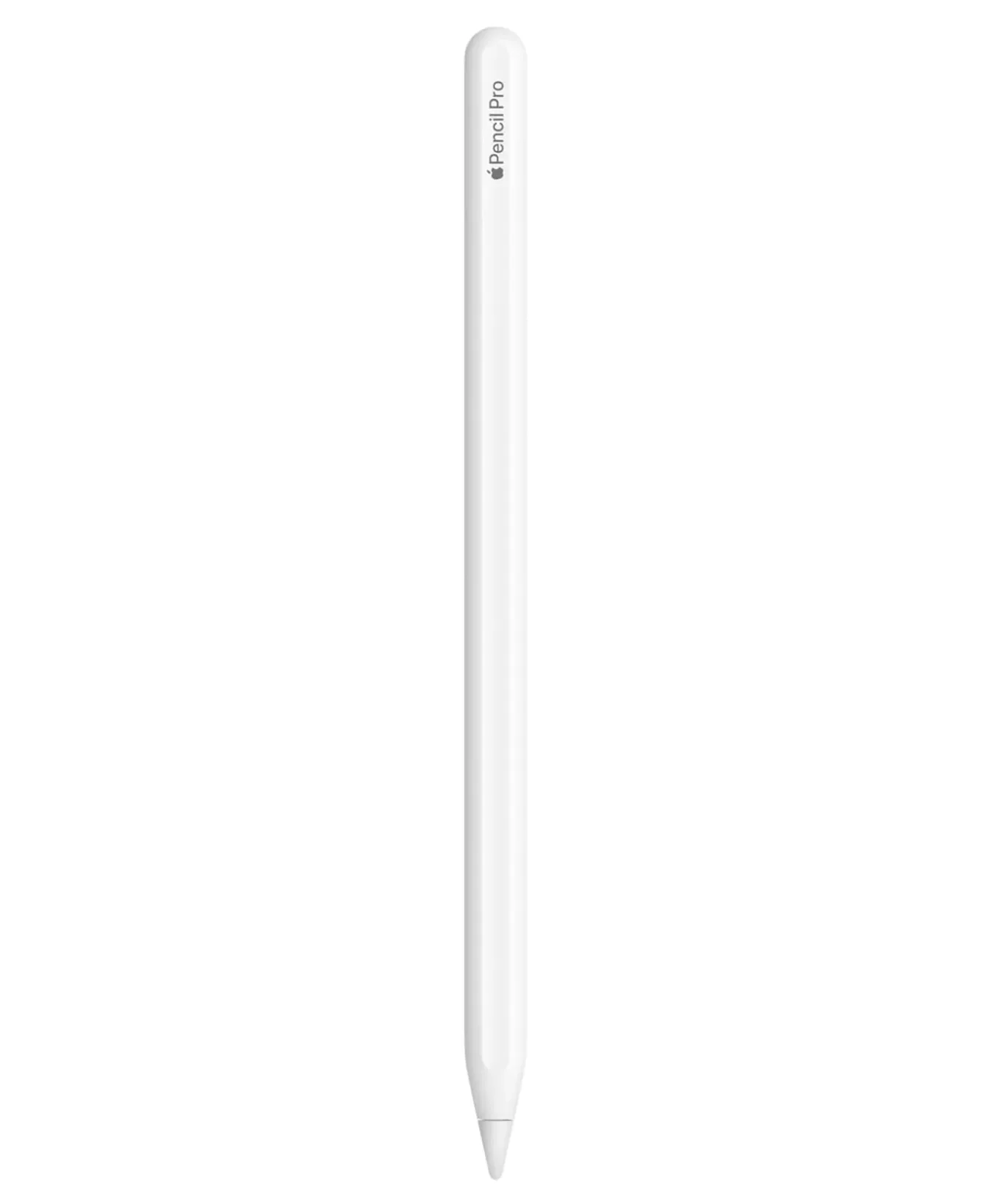
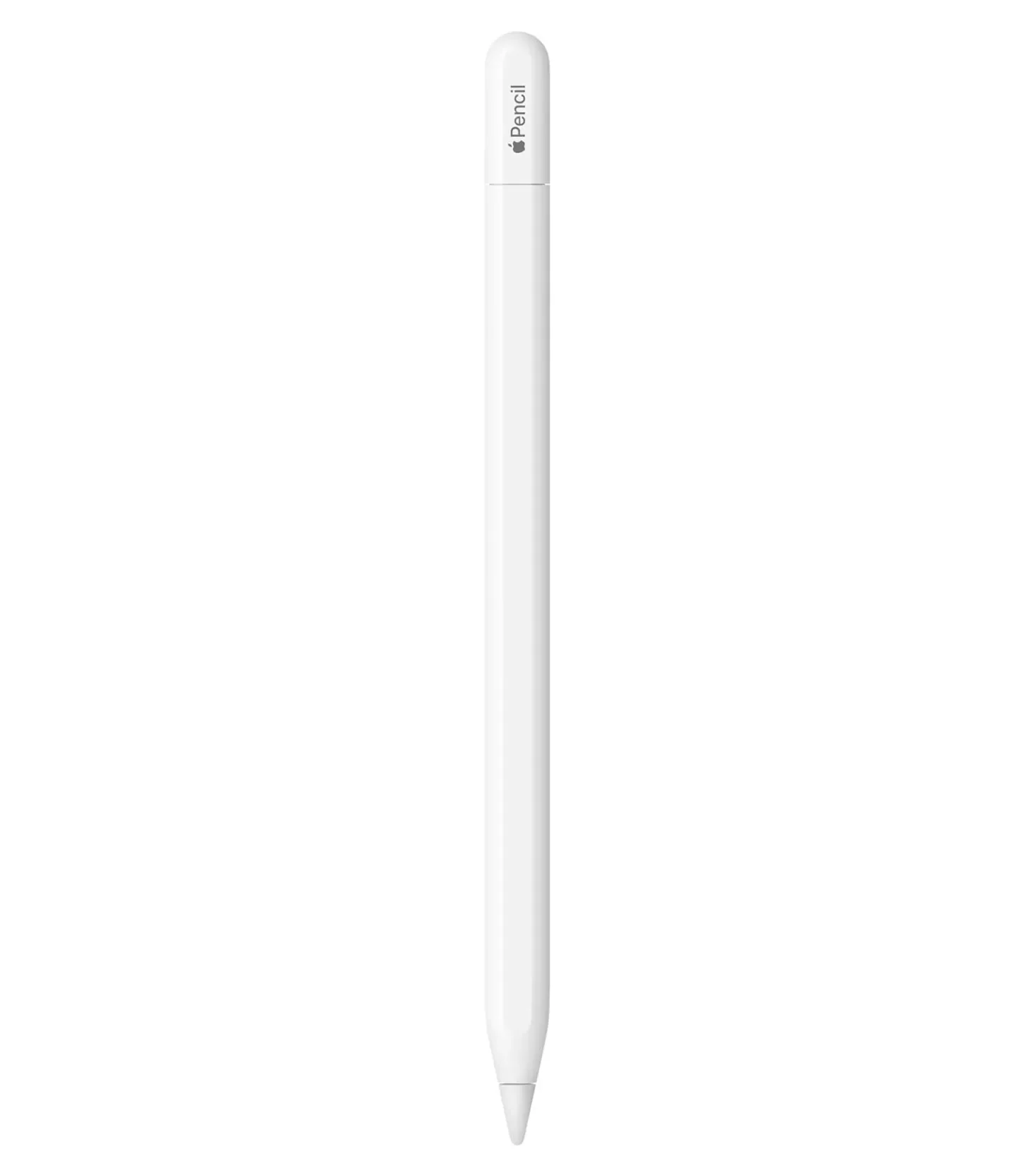
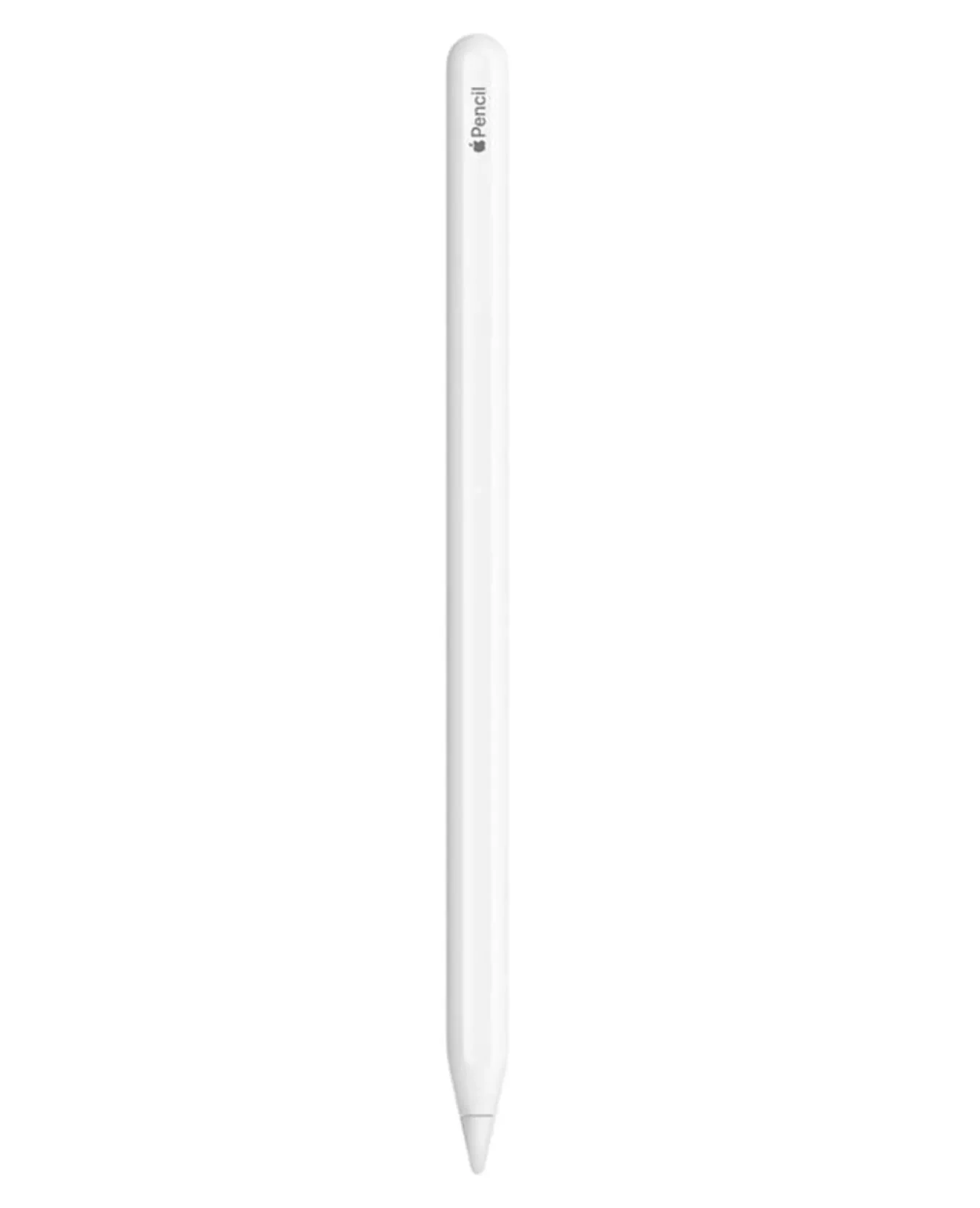
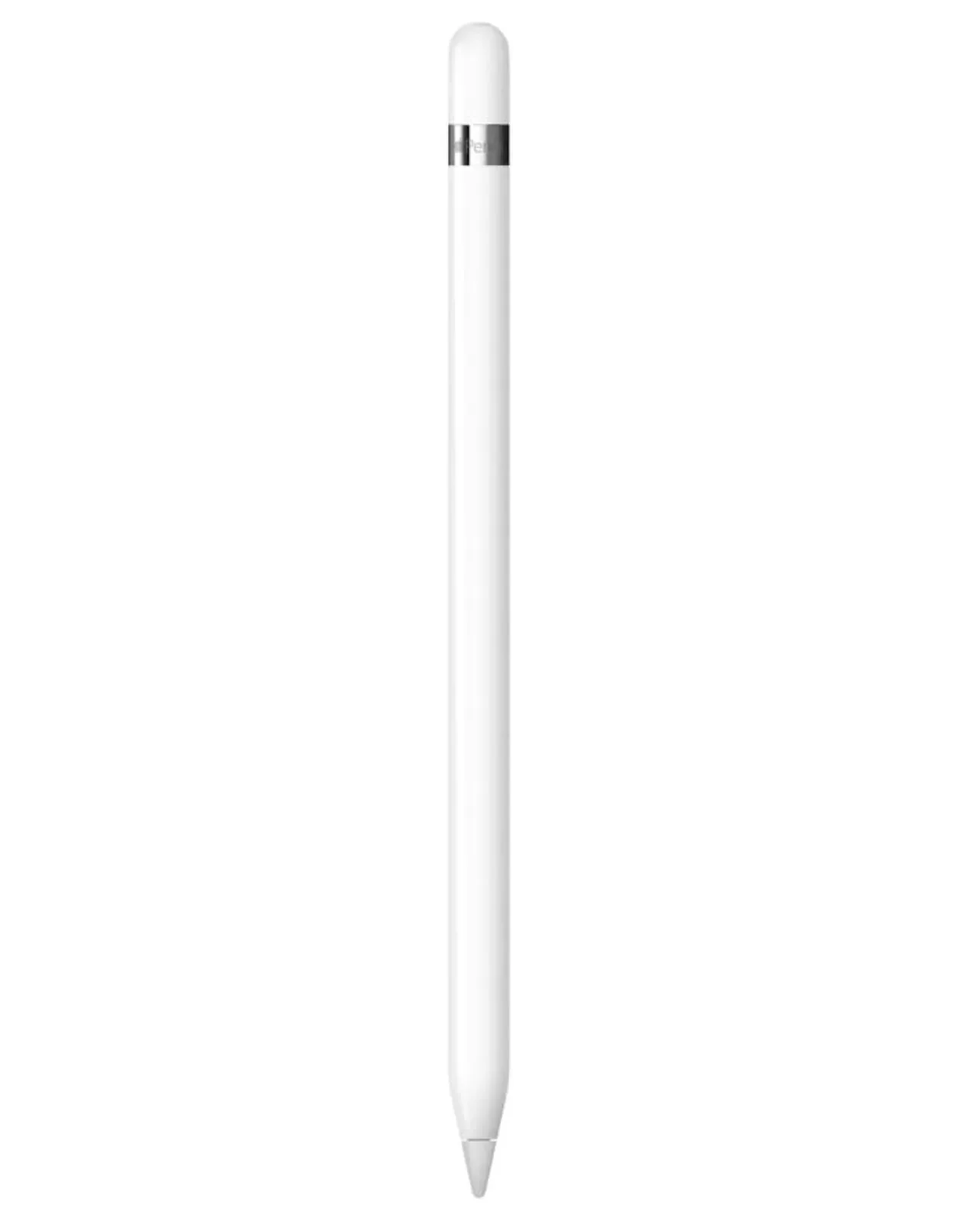
One thing worth knowing before you spend money: Bloomberg's Mark Gurman reports that successors to both current models are in development, rumored for 2027 alongside the next iPad Pros – reportedly with user-replaceable batteries to meet the EU Batteries Regulation that becomes applicable in February 2027. That's a rumor, not a promise. I wouldn't wait – a Pencil you use for the next year beats a hypothetical one – unless you're already planning to hold out for a next-gen iPad Pro anyway.
Apple Pencil Comparison at a Glance
| Pencil Pro | Pencil (USB-C) | Pencil (2nd gen) | Pencil (1st gen) | |
|---|---|---|---|---|
| US price | $129 | $79 | $129 (still sold by Apple) | $99 incl. adapter (still sold by Apple) |
| Charging & pairing | Magnetic, wireless | USB-C cable (magnet is storage only) | Magnetic, wireless | Lightning plug (adapter for iPad 10th gen/A16) |
| Pressure sensitivity | Yes | No | Yes | Yes |
| Tilt | Yes | Yes | Yes | Yes |
| Hover | Yes, on its compatible iPads | On select iPads only | Only iPad Pro 11" (4th gen) / 12.9" (6th gen) | No |
| Double-tap | Yes | No | Yes | No |
| Squeeze, barrel roll, haptics | Yes | No | No | No |
| Find My | Yes | No | No | No |
| Free engraving | Yes | No | Yes | No |
| Works with | iPad Pro M4/M5, Air M2–M4, mini A17 Pro | Broadest list: all of the above, plus 2018–2022 Pros/Airs/minis and iPad 10th gen/A16 | 2018–2022 iPad Pro, Air 4/5, mini 6 | Home-button iPads, plus iPad 10th gen/A16 via adapter |
Feature data comes from Apple's spec pages for the Pro, USB-C, 2nd generation, and 1st generation. The 2nd- and 1st-gen prices trace back to Apple's October 2023 announcement and are still Apple's current list prices, though third parties routinely discount them – check the live listing before you buy.
Apple Pencil Pro vs USB-C: Which Should You Buy?
This is the decision most buyers actually face in 2026, because every current iPad supports both. The gap is $50 – $129 versus $79 in the US. Here in Germany, Apple lists the Pro at 149€ against the USB-C's 89€, because currency conversion is apparently also an art form. Retail discounts do happen all around the world – Golem documented a 99€ Pencil Pro promotion on Amazon Germany this spring – but those are spikes, not a stable street price, so compare live listings when you're actually ready to buy. Apple US also offers 12-month Apple Card installments if $129 up front stings.
What the extra $50 buys, straight from Apple's own feature matrix: pressure sensitivity, wireless magnetic charging, double-tap, a squeeze gesture for tool palettes, barrel roll (rotate the Pencil and a shaped brush rotates with it), haptic feedback, and Find My. The USB-C model keeps the fundamentals – precision, low latency, tilt – and drops everything else.
Two finer points that rarely survive the spec-sheet skim. First, hover – the trick where your cursor previews before the tip touches glass – depends on the iPad and the Pencil: Apple's USB-C spec page doesn't list the iPad Air (M4) or iPad mini (A17 Pro) for hover, while the Pro supports it across its full compatibility list. Second, the hardware feel: all four share the same 8.9 mm diameter, so what really differs is length and weight. The Pro (166 mm, 19.15 g) is actually a touch lighter than the stubby USB-C (155 mm, 20.5 g), which is the shortest of the four but no featherweight. In the hand, both feel great. Only one of them buzzes back at you.
One line matters more than the rest: the USB-C Pencil has no pressure sensitivity. Press harder and your line stays exactly the same. For handwritten notes, irrelevant. For drawing, it's the whole ballgame. I've watched more than one customer come back with a USB-C Pencil and a freshly paid Procreate app, quietly furious – and the confused threads on Apple's own forums suggest they're not alone.
A small caveat on the Pro: some owners report unusually fast battery drain in long forum threads. Those are anecdotes, not lab data, so I wouldn't cancel a purchase over it – but it's worth knowing before you start wondering whether yours is broken.
Verdict: if you draw, sketch, or edit photos with any regularity, pay for the Apple Pencil Pro. If your Pencil life is notes, PDF markup, and the occasional signature, the USB-C does the job and leaves $50 in your pocket.
Every Head-to-Head Comparison
Six possible matchups, five worth talking about. Here's each one, settled quickly.
Apple Pencil 1 vs 2
The 2nd gen fixed everything annoying about the original: Lightning-plug charging became a magnetic snap, the glossy round barrel that famously rolls off desks became matte with a flat side, and double-tap tool switching arrived. But here's the thing – no iPad supports both, so this is rarely a real decision. If your iPad takes the 2nd gen, buy the 2nd gen. Done.
For the spec-curious: the original is the longest and heaviest of the four (175.7 mm, 20.7 g) against the 2nd gen's 166 mm and 18.2 g, and only the 2nd gen gets free engraving. To be fair to the old stick, it has its defenders – there's a contrarian corner of Reddit that praises Lightning charging precisely because the Pencil can top up on a cable away from the iPad. It's a fair point. It's also not enough.
Apple Pencil USB-C vs 2nd Generation
The real question for 2018–2022 iPad Pro, Air, and mini owners, since those iPads support both. The 2nd gen adds pressure sensitivity, double-tap, and magnetic charging; the USB-C is cheaper. One oddity: Apple still lists the 2nd gen at $129 – Pro money for a Pencil that will never work on a newer iPad. If you draw, find it discounted and it's worth it. If you write, take the USB-C.
The 2nd gen is the better tool; the USB-C is the better purchase for anyone likely to upgrade their iPad within a couple of years.
Apple Pencil USB-C vs 1st Generation
The budget-iPad dilemma, exclusive to the iPad (10th gen) and iPad (A16). The 1st gen gives you pressure sensitivity but charges through an adapter-and-cable arrangement that feels like a compromise because it is one. The USB-C charges cleanly and skips pressure. Drawing on a budget iPad: tolerate the dongle – and keep a spare USB-C to Apple Pencil Adapter around, since it's the small part that's easiest to misplace. Everything else: USB-C.
Apple Pencil Pro vs 2nd Generation
A trick matchup – not a single iPad supports both. This is an iPad decision wearing a Pencil costume. If you upgrade to an M-series iPad, the Pro is what you get, and it brings squeeze, barrel roll, haptics, hover, and Find My along for the ride. Why the hard break? Apple has never published an official engineering explanation – reporting points to redesigned magnetic charging hardware in the 2024 iPads. Frustrating either way: r/iPadPro was full of peoplewhose 2nd gen had survived four straight iPad Pro generations, only to finally hit a wall.
Apple Pencil Pro vs 1st Generation
Nine years and zero shared iPads apart. This only comes up when you're replacing an old iPad entirely – and if you are, everything about the Pencil experience improves at once: charging, grip, gestures, and the ability to actually locate the thing after it vanishes into a couch.
First, Check Compatibility (iPad → Pencil)
Before you compare a single feature, do this: open Settings > General > About and read your model name. Then match it against Apple's compatibility page. The iPad dictates the Pencil – never the reverse – and release year alone won't save you. The 2nd gen works with a 2018 iPad Pro but not a 2024 one. Sure. Why not.
And since I get asked this at the counter more often than you'd think: no Apple Pencil works with any iPhone. Apple's compatibility page lists iPads only. Your finger remains the official iPhone stylus.
What Each Model Works With
Apple Pencil Pro: iPad Pro 11"/13" (M4, M5), iPad Air 11"/13" (M2, M3, M4), iPad mini (A17 Pro). Requires iPadOS 17.5 or later.
Apple Pencil (USB-C): the broadest list of all four – every Pro-compatible iPad above, plus iPad Pro 11" (1st–4th gen), iPad Pro 12.9" (3rd–6th gen), iPad Air (4th/5th gen), iPad (10th gen), iPad (A16), and iPad mini (6th gen).
Apple Pencil (2nd gen): iPad Pro 11" (1st–4th gen), iPad Pro 12.9" (3rd–6th gen), iPad Air (4th/5th gen), iPad mini (6th gen). Nothing released after 2022.
Apple Pencil (1st gen): iPad (6th–10th gen), iPad (A16), iPad Air (3rd gen), iPad mini (5th gen), and the original iPad Pros – with the 10th gen and A16 requiring the USB-C adapter.
Which Apple Pencil Should You Buy? (by Use Case)
Note-taking and studying: Apple Pencil (USB-C). Writing doesn't use pressure sensitivity, and the $50 you save buys a lot of coffee for the actual studying. It covers the basics well, and even Apple's own marketingpositions it for exactly this: marking up documents and taking notes.
Drawing, illustration, photo retouching: Apple Pencil Pro on a current iPad; 2nd gen on a 2018–2022 iPad. Pressure sensitivity is non-negotiable here.
Casual scribbling and kids: honest suggestion – consider a third-party stylus first. My budget pick, the ESR Digital Pencil at around $21, does tilt and palm rejection just like the USB-C Pencil, minus pressure sensitivity, at roughly a quarter of the price.
Pressure sensitivity on a budget iPad: the 1st gen is the only pressure-sensitive option for the iPad (10th gen) and iPad (A16). The adapter is mildly ridiculous, but it works.
How to Pair and Charge Each Apple Pencil
Pro and 2nd gen: snap it onto the iPad's long edge. It pairs and charges automatically – no menus, no cables (Pro, 2nd gen).
USB-C: slide the cap back and connect a USB-C cable between Pencil and iPad. The magnet on the flat side is for storage only – it does not charge (Apple's specs).
1st gen: remove the cap and plug it into the Lightning port, then tap Pair. On the iPad (10th gen) and iPad (A16), pair and charge through the USB-C adapter and a cable instead (Apple's setup guide).
Two habits will save you grief. Check the charge before you need it – every Pencil shows up in the iPad's Batteries widget, and Pro owners get a dedicated section in Settings. And don't let a Pencil sit in a drawer at zero for months: Apple publishes no official storage threshold, but community threads are full of 1st-gen Pencils that refused to charge again after long, empty storage. One more community observation – unverified, but common enough to mention: a 2nd gen or Pro left magnetically attached keeps sipping from the iPad's battery, since that's literally where it charges from.
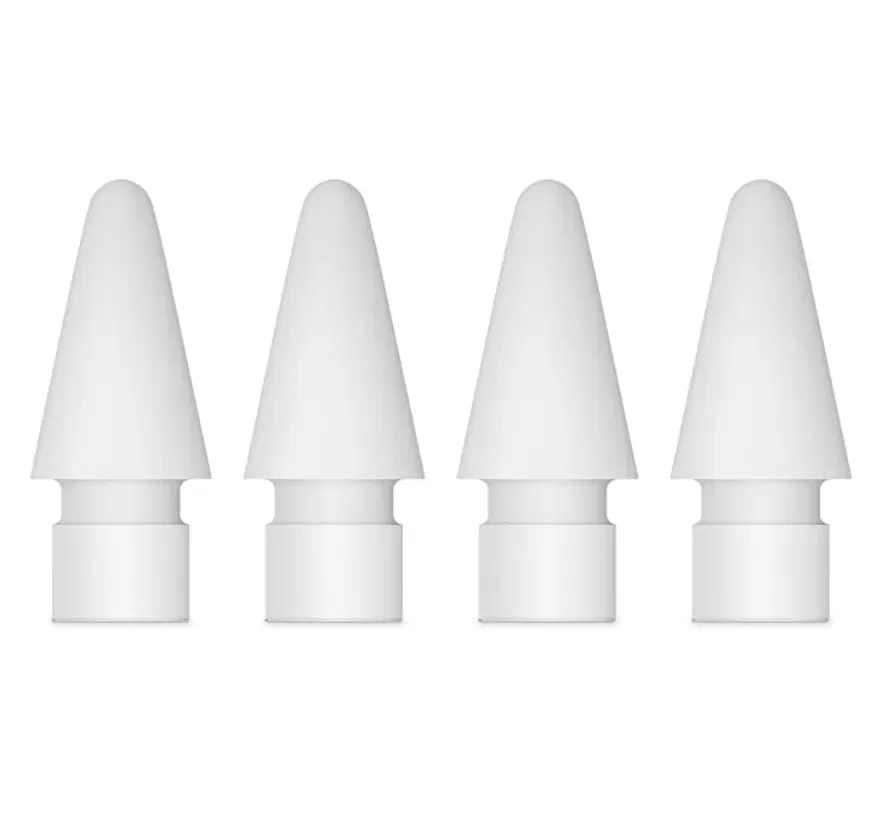
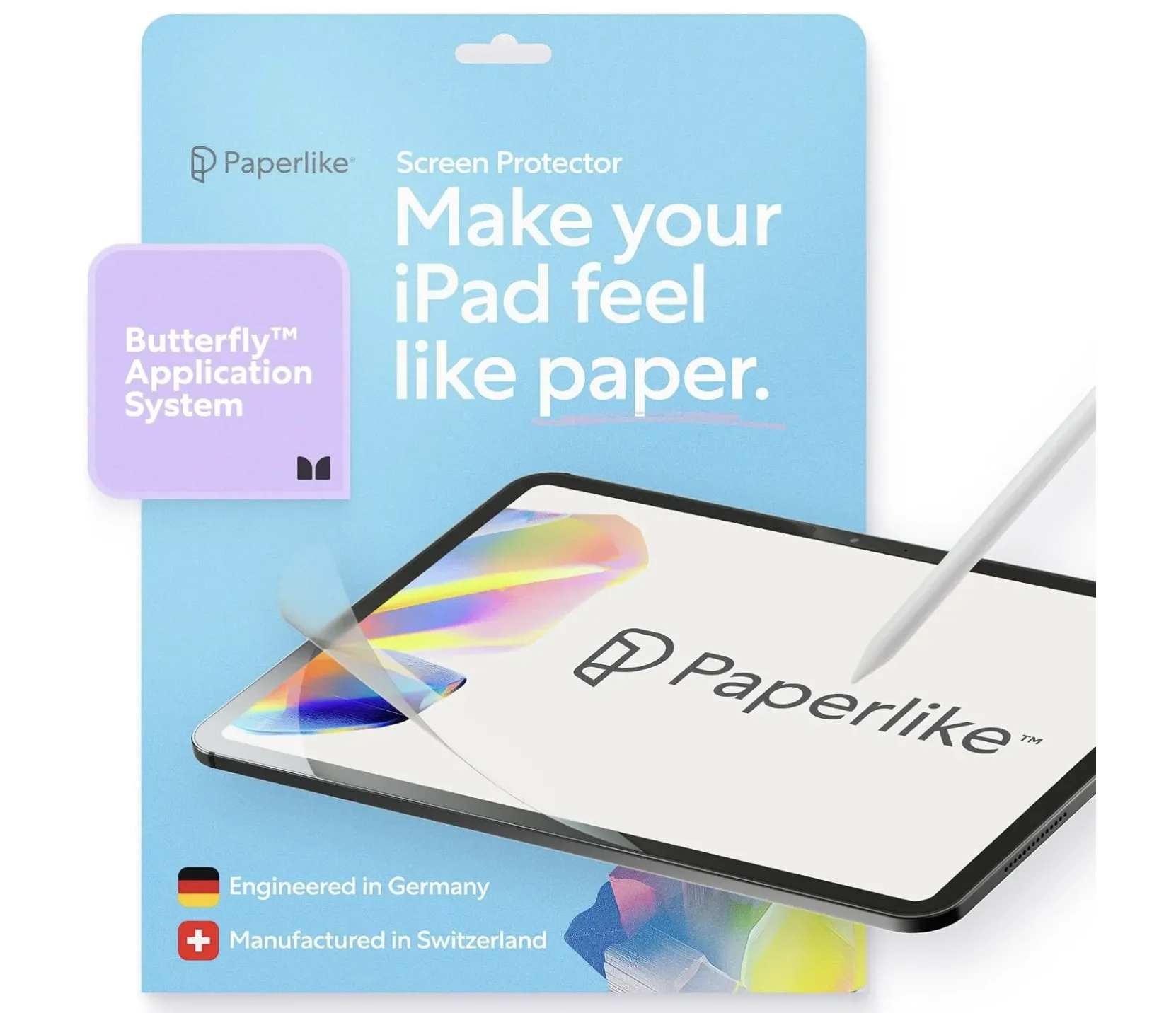
Whichever model you own, the tips wear down with use and are user-replaceable – Apple sells a four-pack of replacement tips that fits all four Pencils. Apple doesn't publish a replacement interval; mine announces itself when writing starts to feel scratchy on glass. If the glass itself feels too slick under the tip, a Paperlike screen protector adds just enough tooth to make writing and sketching feel closer to paper.
My Take: What I Recommend from behind the Tech Store Counter
After enough hours at the counter, you see the same two purchases go wrong on repeat.
Regret number one: the USB-C Pencil bought for a drawing hobby. It's $50 cheaper, it looks identical, the box says Apple Pencil – and the discovery that pressure sensitivity is missing happens mid-sketch, a day later.
Regret number two: the 2nd generation bought for a brand-new iPad, because "2nd generation" sounds newer than "USB-C." It doesn't attach, it doesn't pair, and it comes straight back. I genuinely believe Apple's naming causes more returns here than any missing feature does.
My own use is unglamorous: I mostly mark up piano sheet music PDFs – fingerings, pedal marks, the occasional "do not rush this bar" note to my future self. Zero pressure sensitivity required. On paper, I'm the perfect USB-C customer. And yet the feature I'd actually pay for is magnetic charging, because a stylus you have to remember to plug in is a stylus that's dead precisely when you need it. Small frictions kill good habits – I studied psychology and I still fall for this one.
So here's my honest rule: buy the Pencil that removes friction from the thing you already do every week – not the one that flatters the artist you're planning to become someday.
Final Verdict
| Your iPad | Buy this |
|---|---|
| iPad Pro (M4/M5), iPad Air (M2–M4), iPad mini (A17 Pro) | Pencil Pro for drawing; USB-C for notes |
| iPad (10th gen) or iPad (A16) | USB-C – or 1st gen + adapter if you need pressure |
| iPad Pro/Air/mini from 2018–2022 | 2nd gen for drawing; USB-C to save money |
| Home-button iPads | 1st gen – the only option |
Whichever way you go, spend two minutes with Apple's compatibility list before checkout. It's the cheapest insurance in tech – and it keeps us from meeting at the returns counter.
What iPad and Pencil combo are you running, and did you nail it first try or learn the hard way? Tell me in the comments below, especially if you've hit a use case where the cheaper USB-C Pencil pleasantly surprised you.
And if you'd rather not gamble on the next Apple accessory you buy, my tech newsletter walks through gear like this one product at a time, so you know exactly which model fits your setup before you spend a cent.
FAQ
-
It works, but without pressure sensitivity your line weight won't change with how hard you press. For sketching where you set brush size manually it's usable; for natural-feeling illustration it's a real limitation, and as covered above it's the single most common regret I see at the counter. If art is your main use, the Pro on a current iPad or a 2nd gen on an older one is worth the extra money.
-
No. An Apple Pencil connects to one iPad at a time and has to re-pair when you move it to another. It reconnects quickly, but it doesn't hop between devices automatically the way AirPods do, so a shared Pencil across two iPads means a quick re-pair each switch.
-
Probably not, unless you're already holding out for a next-generation iPad Pro anyway. As mentioned above, Bloomberg's Mark Gurman has reported successors in development for 2027, reportedly redesigned with replaceable batteries to satisfy new EU rules, but that's a rumor with no confirmed features, price, or date. A Pencil you actually use for a year of real work beats waiting on a maybe.
-
There's no fixed schedule, and Apple doesn't publish a replacement interval. In my experience you feel it before you see it: writing starts to drag or sound scratchy on the glass. Apple sells a four-pack of tips that fits all four Pencil models, so a set lasts a long time.
-
For note-taking and casual use, often yes. Wirecutter's budget pick, the ESR Digital Pencil at around $21, offers tilt and palm rejection with near-universal iPad compatibility; it just lacks pressure sensitivity, exactly like the USB-C Pencil. If you don't need pressure or Apple's gestures, a good third-party stylus saves real money.
-
No. Apple's compatibility list stops the 2nd gen at 2018–2022 hardware, so the M4/M5 iPad Pro and M2–M4 iPad Air take the Pro or USB-C instead. Apple hasn't given an official engineering reason; reporting points to the redesigned magnetic charging in the 2024 iPads. Buying a 2nd gen for a brand-new iPad is the second most common mistake I watch happen.
-
Yes. The iPad (10th gen) and iPad (A16) need the USB-C to Apple Pencil Adapter to pair and charge a 1st gen Pencil, and new 1st gen Pencils now ship with that adapter in the box. It works reliably, but it's a small, easy-to-lose part, which is exactly why I steer most budget-iPad buyers to the USB-C model instead.



I sell Apple Pencils at a tech store every week, and this apple pencil comparison covers the exact questions customers ask before buying one.